The Role Of AI In Special Education
AI is making a real difference in special education, helping students with disabilities access learning in new ways. The technology is getting better each day, opening doors and breaking down barriers for students and teachers alike. I want to share my firsthand experience with AI in classrooms and some of the really cool features that are worth checking out if you’re involved in special education or just interested in how AI supports diverse learners.
How AI Is Shaping Special Education
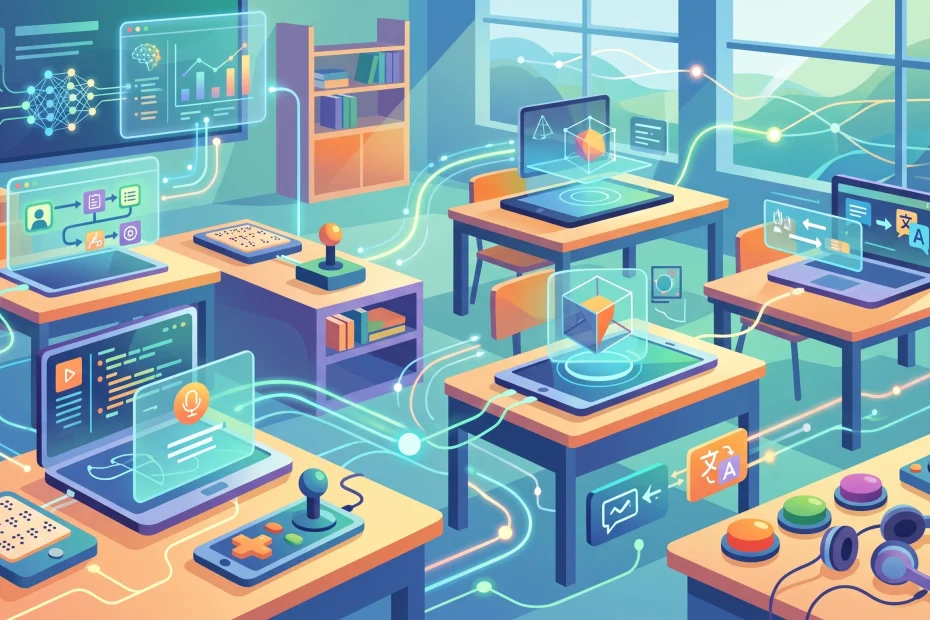
AI is quickly becoming a game changer in special education, offering support tailored to each student’s needs. Not every classroom looks the same, and students with disabilities can have very different learning styles and challenges. With digital tools powered by AI, there are now more ways to adapt materials, lessons, and support systems to fit those unique needs.
I’ve seen how a welldesigned AI program can help students who struggle with reading, writing, or communicating. These tools don’t replace teachers but work alongside them, often making lessons more interactive and less stressful for kids who otherwise might feel left out or overwhelmed.
Recent studies, including a 2023 report from the U.S. Department of Education, highlight how schools use AI for everything from personalized reading practice to realtime speech to text support. If you’re curious to see more about this, the Ed Department’s AI resource hub is super useful.
The Core Concepts Behind AI in Special Ed
Before you jump into using AI in special education, it’s helpful to know some basic concepts. Special education covers a big range of disabilities—including learning disabilities, physical impairments, cognitive delays, and communication disorders. The key is flexibility, and that’s where AI shines.
Here are some terms that pop up a lot in conversations around AI and special education:
- Assistive Technology: These are any devices or software tools that help students with disabilities participate in learning. AI powered apps and devices are part of this group.
- Personalized Learning: AI can track a student’s progress and suggest activities or adaptations based on their unique needs or interests.
- Speech Recognition: This refers to how an AI tool helps students convert spoken words into text, making writing and communication a whole lot easier for those with physical or learning challenges.
Understanding these basics helps set the stage for using AI in ways that feel meaningful and practical, both for individual students and for entire classrooms. Not all students need the same type of assistance, so AI’s flexibility is a huge asset. AI tools aren’t just for academic subjects either—some support social skills, emotional growth, or even daily living activities by prompting step by step actions and reminders.
Ways AI Is Already Used in Special Ed Classrooms
It’s pretty amazing to see how creative schools and teachers get with AI tools. Here’s how I’ve seen them in action:
- Reading Assistants: AI programs that read books out loud or help students sound out words. For example, Google’s Reading Practice tool adapts to the user’s reading level.
- Speech to Text Apps: Some apps convert students’ spoken words into written text, which is great for kids who have trouble writing due to physical disabilities or dyslexia.
- Math Tutors: Tools like DreamBox use AI to adjust math practice problems in real time, supporting students who need extra time or unique approaches.
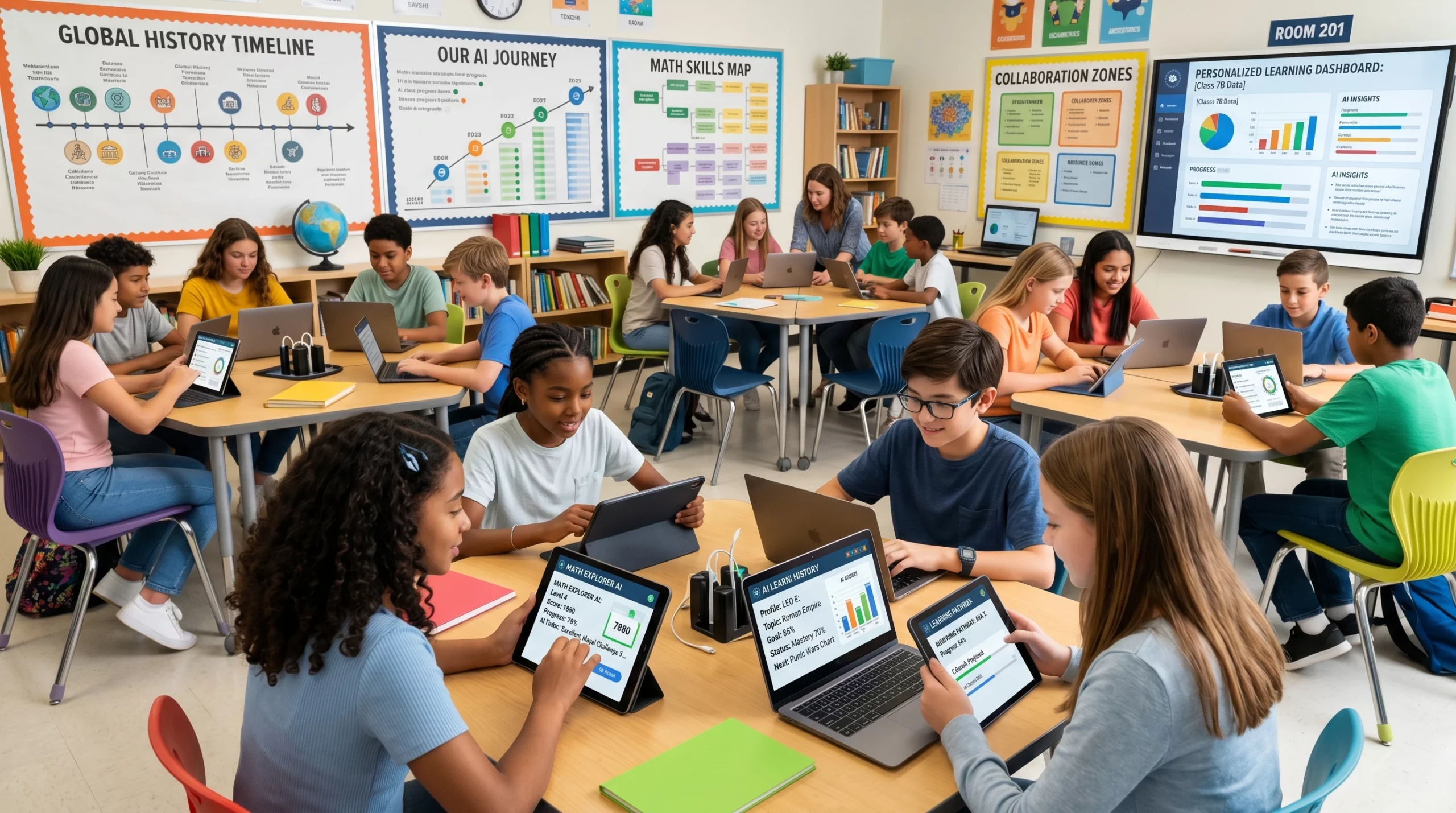
- Classroom Management: AI can help teachers track progress and spot where a student might need more support. These systems shave hours off paperwork and give real insight into how a student is really doing.
Some AI tools even predict when a student is about to get frustrated with a task, so teachers can change up the activity or jump in early to help. The mix of analytical power and classroom experience creates a more responsive and balanced learning environment.
Things Worth Thinking About Before Adding AI to Your Special Ed Toolkit
While AI brings a lot of opportunities, it’s not a magic fix. There are important points to consider so you make choices that work best for you and your students:
- Accessibility: Not every student can use every tool. Try to evaluate how the technology adapts to different needs. Is the interface easy to use for students with mobility or vision challenges?
- Privacy: AI collects a lot of data, so keeping student info safe is really important. Check what info is being collected and how it’s being used or stored.
- Teacher Training: AI tools only help if teachers and aides feel comfortable using them. Schools often need to invest in training and time to practice new programs.
- Cost: AIbased devices and programs can be expensive. It’s helpful to look for free trials or grants that make technology more accessible.
Accessibility
When testing out an AI tool for the first time, I usually run through different scenarios. Can a student who can’t use a mouse still find their way around the tool with a switch or voice? Is the text large enough, or is there a way to make it bigger? These simple checks make a big difference in picking the right solution.
Another aspect to consider is sensory overload. Many AI tools have a lot going on—colorful graphics, sounds, and animations—which can be overwhelming for some students. Choosing tools that allow customization or turning off certain features can make a classroom more inclusive.
Privacy
Schools and parents need transparency from companies offering AI programs. I always look for clear privacy policies, and I encourage teachers to dig into the details or ask for a plainlanguage breakdown from vendors. More info on privacy and special education is available from the U.S. Department of Education’s FERPA site.
Beyond legal rules, it’s wise to talk openly with parents and students about how their information will be used. Building trust ensures everyone feels safe trying new technology.
Teacher Training
Tech tools can feel overwhelming if you’re a busy teacher who’s already stretched thin. I’ve seen some success when schools start small; introducing one new tool at a time, holding quick inperson training, and having regular checkins to troubleshoot issues as a group.
Cost
AI devices and apps sometimes require subscriptions or even hardware upgrades. Some of the best tools I’ve used were free pilots offered by tech developers looking for feedback, so it’s always worth asking or checking out current grant opportunities aimed at special education innovation.
I keep in mind that no onesizefitsall solution exists. The most effective use of AI in my experience comes from teachers customizing the tech in ways that fit their specific students and classroom goals.
Tips to Get the Most from AI in Special Ed
Here are some tested strategies to use AI tools more effectively in special education:
Pair AI with Human Support: Technology is helpful, but it works best when teachers, aides, and families stay involved. I’ve seen the most growth when adults encourage students to try new features or troubleshoot small bumps as they come up.
Be Patient and Flexible: It takes time for teachers and students to get comfortable with new technology. Giving everyone space to make mistakes or adjust the approach really pays off.
Start with a Pilot: Consider introducing one tool or app first, gathering feedback, and seeing how it fits your classroom before rolling out more technology.
AI is just one tool in a big toolbox, so mixing in triedandtrue teaching methods with digital solutions creates a truly balanced approach for diverse learners.
Remember, not all AI is created the same. Choosing options that let you adjust difficulty settings or customize feedback goes a long way toward building student confidence while still challenging them. It’s also helpful to create a space for families to share what they notice at home; sometimes, a tool that works wonders in school can support homework routines, too.
RealWorld Impact? Examples Of AI in Action
Some stories stick with me. In one district, AI powered reading programs helped a group of nonverbal students start identifying words and simple sentences for the first time. Another teacher used AI as an interactive math coach, watching how a student who usually struggled with written instructions suddenly got excited to solve problems out loud.
- Speech and Language Support: AI apps model correct pronunciation or provide picture symbols for nonverbal students to help express themselves.
- Visual Aids: Programs adapt materials for students with visual impairments, like increasing contrast or reading text aloud.
- Behavior Monitoring: Some schools use AI tools to look for early signs of anxiety or frustration; this helps support staff step in before bigger issues arise.
Across these examples, the common thread is adaptability. Each success story starts with teachers paying close attention to student reactions, adjusting goals and tech settings as needed, and celebrating small breakthroughs along the way. Even a tiny win can spark big confidence for students who’ve faced lots of learning barriers.
Frequently Asked Questions About AI in Special Education
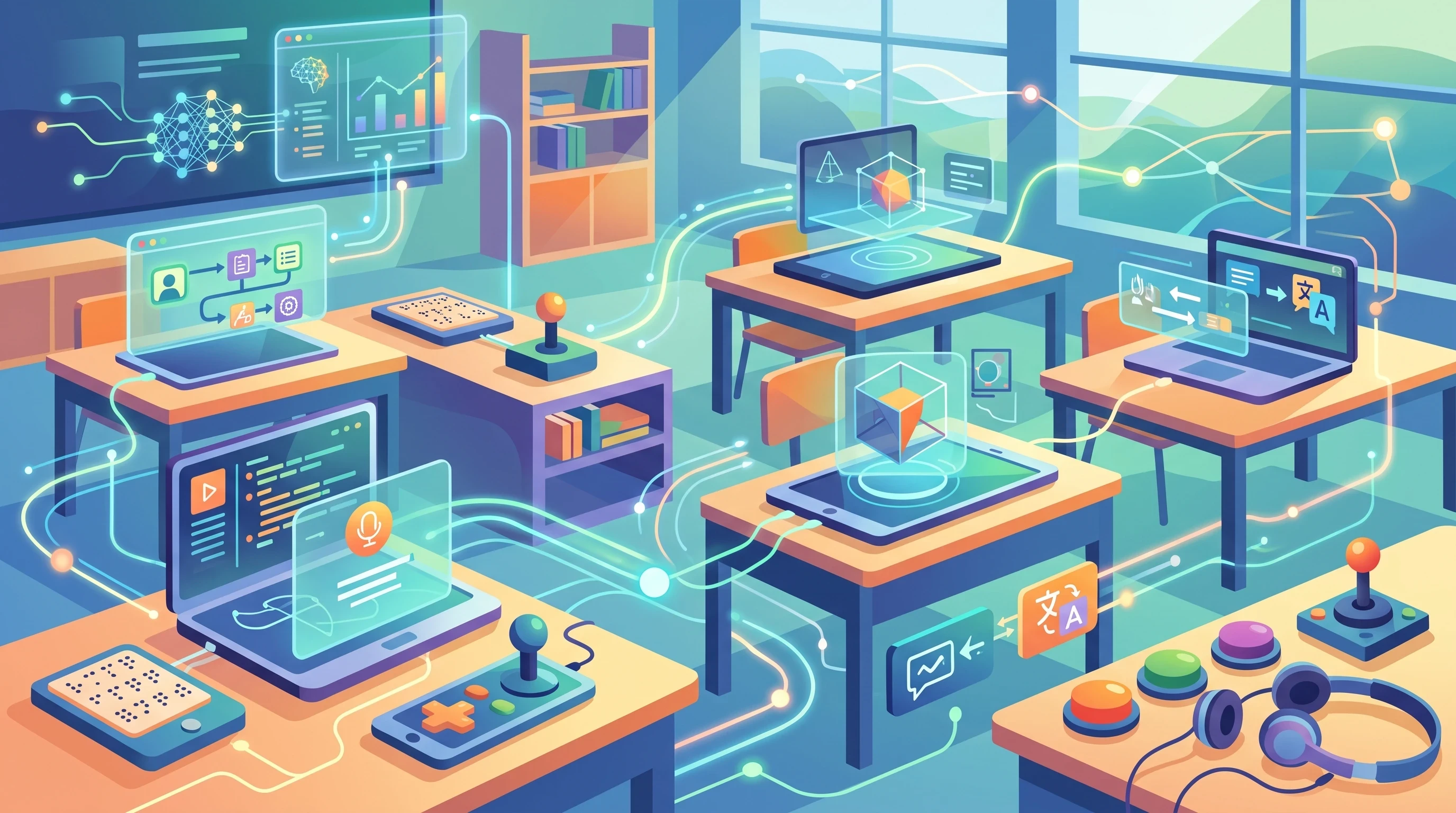
I hear a lot of questions about this topic, so here are some common ones:
Question: Can AI really replace special education teachers?
Answer: No, AI is here to support—not replace—educators. It’s a helping hand, not a substitute. Teachers bring empathy, creativity, and personal connection that no computer can match.
Question: Are there free AI tools available for special ed classrooms?
Answer: Yes! Many organizations and startups offer basic versions of their apps at no cost, especially for schools or parents. It’s also common for developers to offer extended trials or discounts for special education settings.
Question: How can I keep student data safe with AI powered apps?
Answer: Always check privacy policies and make sure your school or district has strict guidelines for using technology responsibly. It also helps to limit the amount of personally identifying information when possible.
Final Thoughts
Bringing AI into special education takes some thoughtful planning, but the results can be really rewarding. With the right mix of training, accessible tools, and a supportive team, AI helps make learning more personal and engaging for every student in the room.
If you’re interested in trying AI in your classroom or at home, start with one tool that’s easy to use and matches your students’ needs. Keep the conversation going with other teachers, families, and students to find new ways to build on your successes. The future of special education is looking brighter, and more inclusive, thanks to these new tech possibilities.